30-day user drop-off
Fusion 360 was losing too many users before they ever reached the value of the product.
Maritza led the research and product experience work that uncovered where adoption was breaking down — and helped redesign the path into Fusion for both first-time CAD users and experienced users transitioning from other platforms.
Design Lead + Product Owner
- UX Research
- Product Adoption
- Onboarding
- Product Experience

01 / The Problem
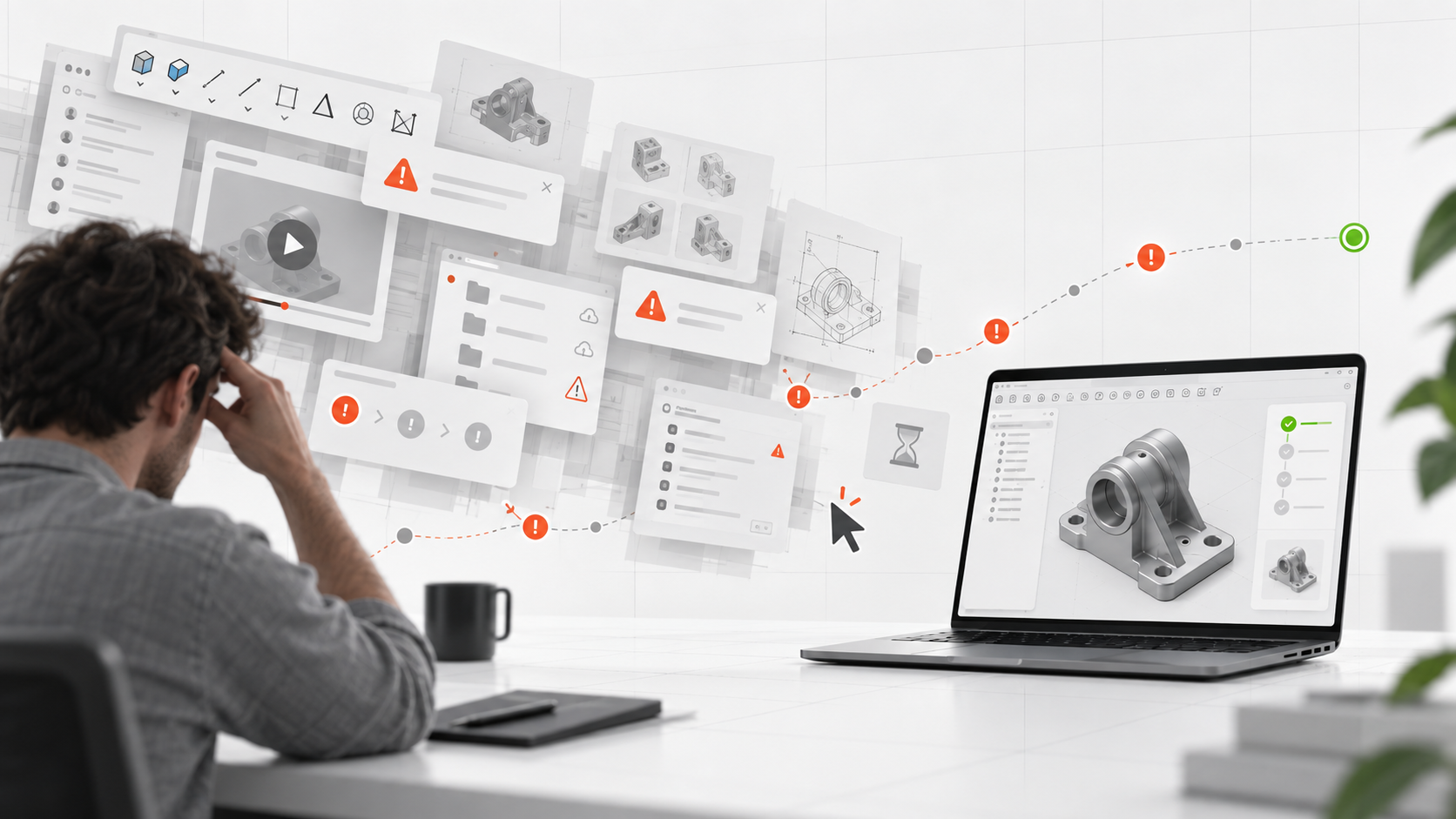
Users were leaving before Fusion had a chance to prove itself.
Fusion 360 was competing for adoption in an established CAD market. Some users were completely new to 3D modeling. Others were experienced professionals transitioning from tools such as SolidWorks. Both groups were encountering friction before they could become comfortable with the product.
For many users, the problem was not one catastrophic failure. It was death by a thousand cuts — bugs, confusing onboarding, unclear workflows, learning friction, missing guidance, different navigation patterns, and an interface that sometimes made the product appear less capable than it really was.
A significant portion of users who failed to become active spent less than 15 minutes inside the product.
02 / Who Was Struggling
The same onboarding experience was serving two very different people.
01
New to CAD
Users learning:
- 3D modeling concepts
- Fusion workflows
- Navigation
- Basic tools
- Creating a first successful model
02
Transitioning from other CAD tools
Users already understood CAD. Their friction came from different navigation, different shortcuts, different workflows, difficulty locating familiar capabilities, and having to relearn established behaviors.
Research showed that experienced CAD users needed a bridge into Fusion, not beginner-level education.
Fusion introduced navigation and shortcut options that helped SolidWorks users transition using familiar interaction patterns.
03 / The Research
First, find out where the experience was actually breaking.
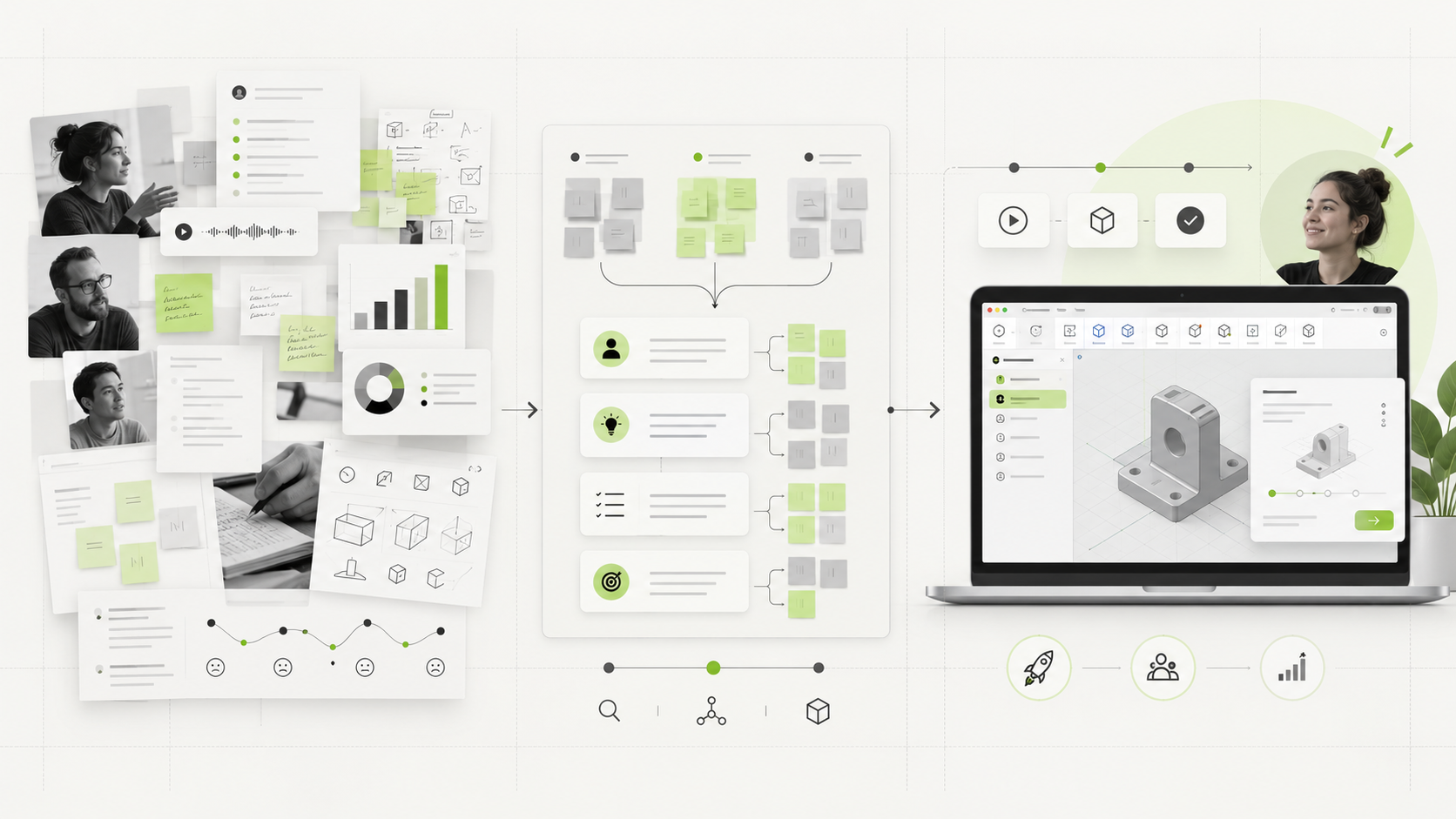
Maritza owned the customer research behind the work. Research inputs included:
- User interviews across experience levels
- Usage and behavioral data
- Analysis of top feature requests
- Analysis of common complaints
- Usability testing at Autodesk University
- Feedback gathered directly inside the product
- Competitive behavior from SolidWorks and other CAD platforms
User feedback responses analyzed
Bugs + product improvements eventually addressed
04 / The Insight
We tried to make Fusion look simple.
Some users interpreted that as: it can’t do enough.
One of the original assumptions was that showing fewer tools would make Fusion easier to learn. The toolbar intentionally exposed a limited set of commands while allowing users to customize it.
Research revealed an unintended consequence. Experienced users looked at the reduced toolbar and assumed Fusion did not contain the professional capabilities they needed. Some associated the simplified interface with hobbyist software rather than a serious CAD platform.
Simpler ≠ more trustworthy
Instead of deciding what users should need, the team looked at actual usage data and surfaced the tools customers used most.
Fewer visible tools = easier onboarding
Experienced users interpreted fewer tools as fewer capabilities
Surface the most-used tools and help users reach familiar workflows faster
05 / The Solution
There wasn’t one fix. There was a system of them.
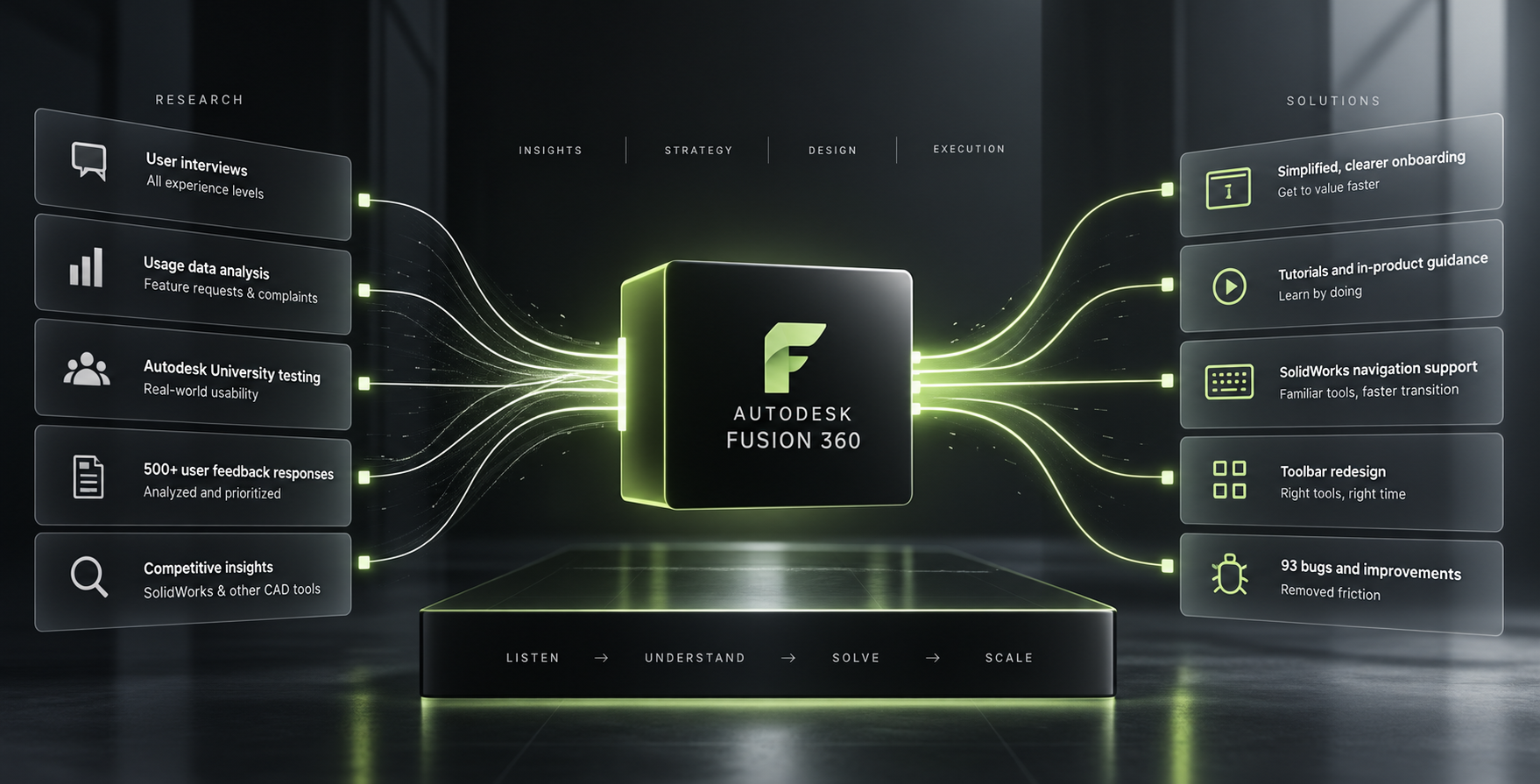
The research showed that adoption was being affected by many small points of friction. So the solution was not a single redesigned screen — the team improved the entire path into the product.
Onboarding
Cleaner entry into the product and clearer direction for new users.
Tutorials + Guidance
More useful learning experiences that helped users learn by doing.
CAD Transition Support
Navigation and interaction patterns that made switching from platforms such as SolidWorks easier.
Toolbar Experience
Frequently used tools were surfaced based on actual usage rather than assumptions about simplicity.
Product Friction
Bugs, usability issues, and workflow problems were identified and prioritized.
Product Positioning
The experience needed to communicate that Fusion was a capable professional CAD platform, not merely a simplified modeling tool.
06 / Maritza’s Role
Research Lead.Design Lead.Product Owner.
Maritza owned the customer research behind the initiative and worked as both Design Lead and Product Owner.
She identified adoption blockers through interviews, behavioral data, feedback analysis, feature requests, complaints, and usability testing.
She then translated those findings into product priorities and worked with the broader team to improve the onboarding and early Fusion 360 experience.
01
Understand
Owned customer research and identified the friction preventing users from reaching value.
02
Prioritize
Translated customer evidence, behavioral data, and product feedback into actionable product priorities.
03
Lead
Worked as Design Lead and Product Owner to move those improvements through the product development process.
07 / From The Team
“Maritza is a strong designer with confidence and credibility to articulate meaningful direction in projects. For 4 years I worked with her in parallel as we grew and matured a small unknown CAD program called Fusion 360 to a widely popular tool now used by 100s of thousands of designers and engineers. When we discussed her projects I was always impressed with how she framed them within the context of the users she represented, along with demonstrating a formidable amount of subject domain expertise for someone so early in her career. She works hard, pays attention, and speaks authentically. She will be a highly valuable asset to whoever she chooses to work for.”
08 / The Result
30-day user drop-off
More users made it through the early experience and into retained product use.
Within six months, the proportion of registered trial users dropping out within the first 30 days fell substantially. The work helped more people overcome the early learning curve, understand the product’s capabilities, and remain engaged long enough to experience its value.
Stronger product adoption
More users reaching value
Better transition from competing CAD platforms
Greater credibility for Fusion 360 as a professional tool
09 / The Takeaway
People don’t always leave because of one big problem.Sometimes growth is hiding inside dozens of small ones.
The Fusion 360 work reinforced a principle that has followed Maritza throughout her career: understand what people are actually experiencing, find the friction, then redesign the system around what the evidence tells you.